
Privacy
Privacy policy
No account, no ads, no analytics and no tracking.


Entertainment
Coming soonYour playlist, beautifully organised.
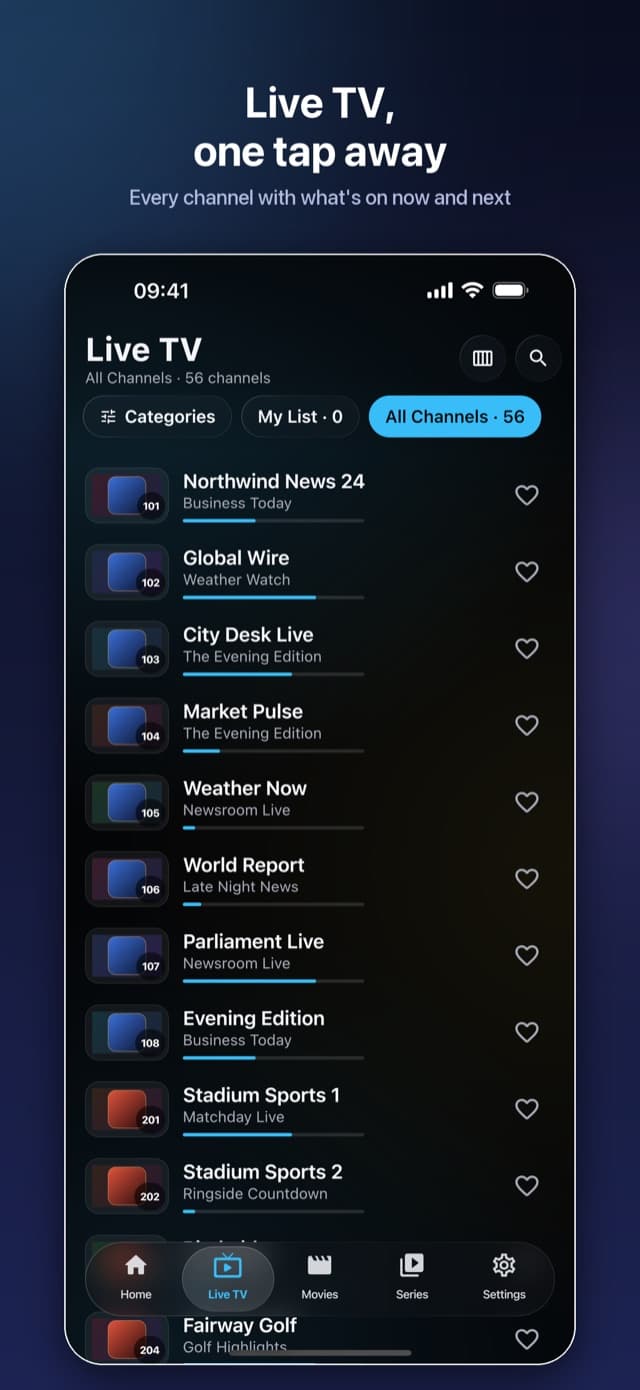
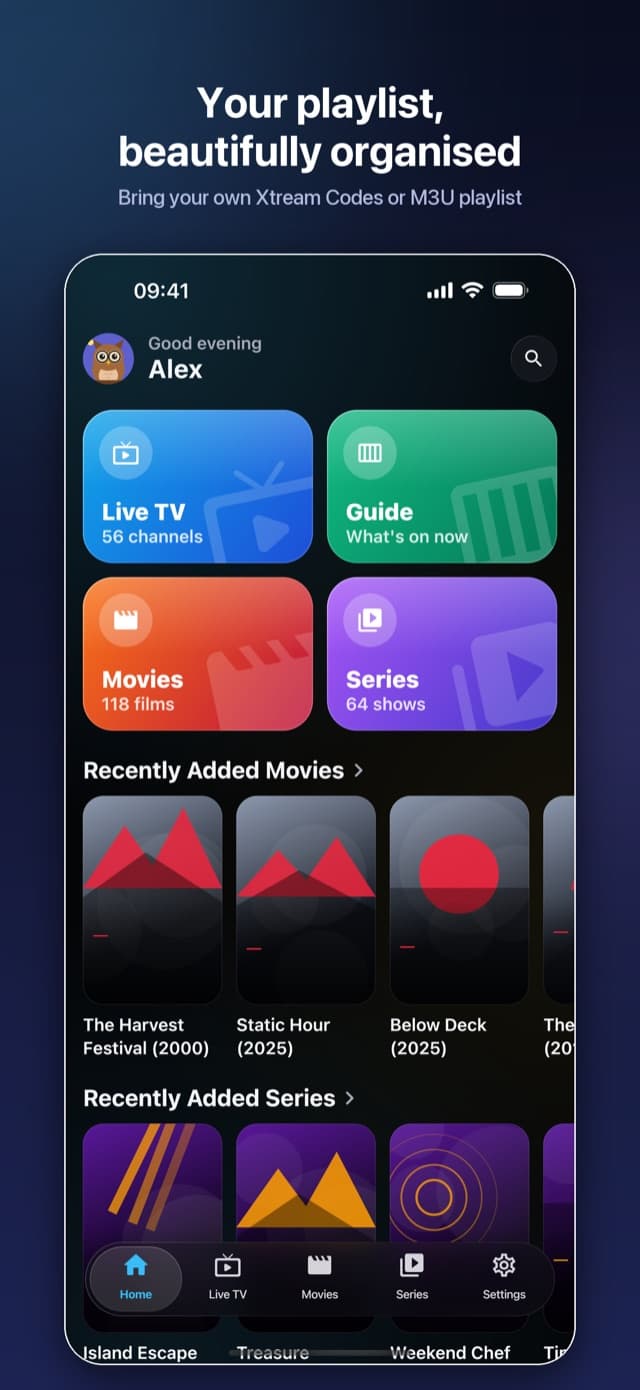
A fast, calm IPTV player for Live TV, movies and series from your own Xtream Codes or M3U playlist, on phone, tablet and TV.
iPhone
Swipe to see more →
TV
Swipe to see more →
About
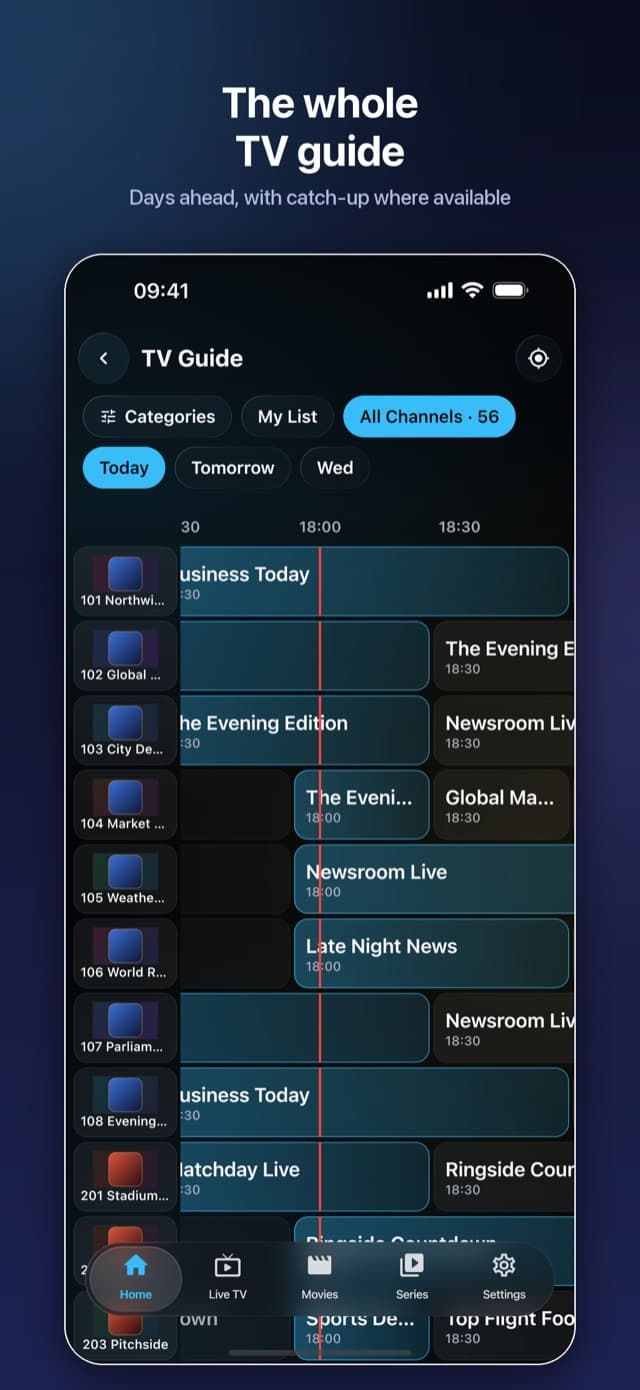
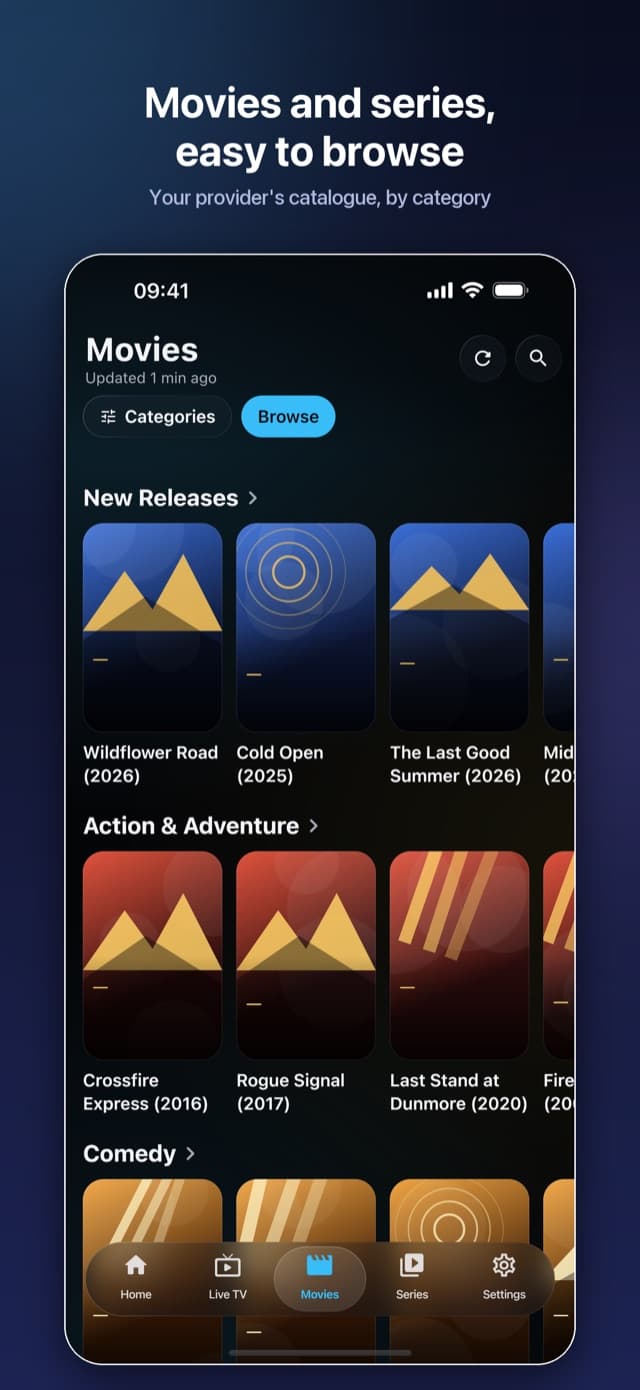
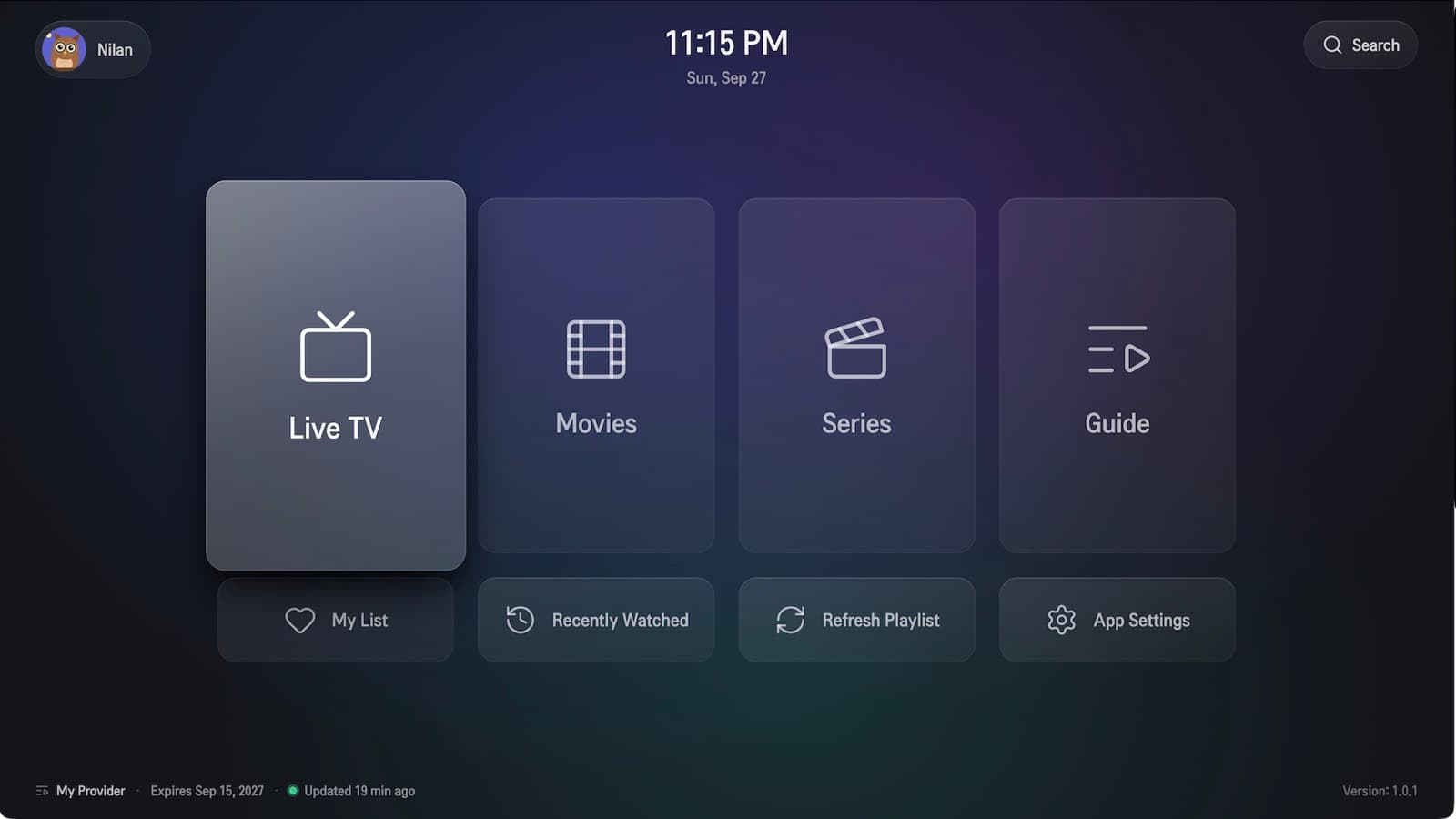
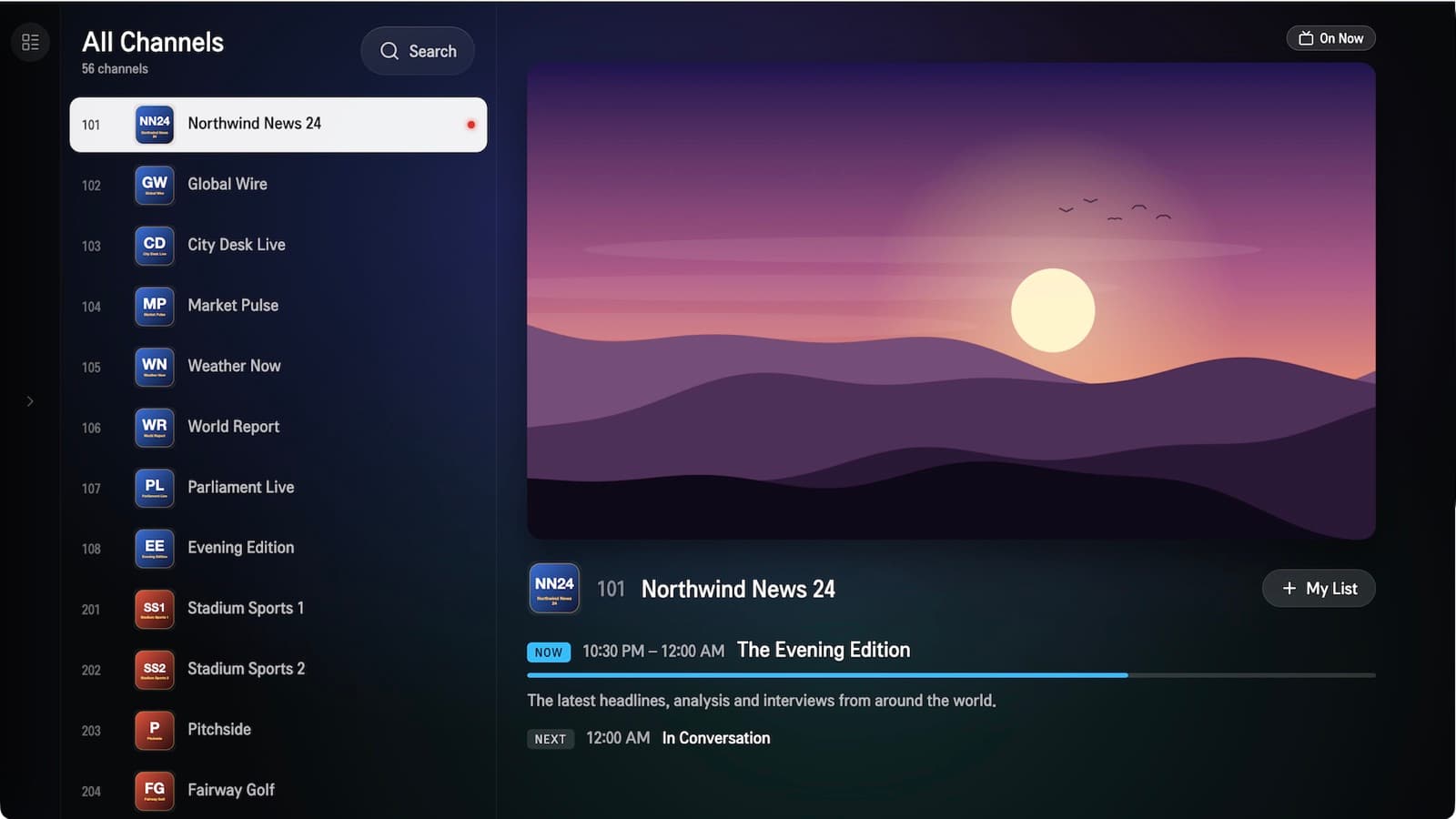
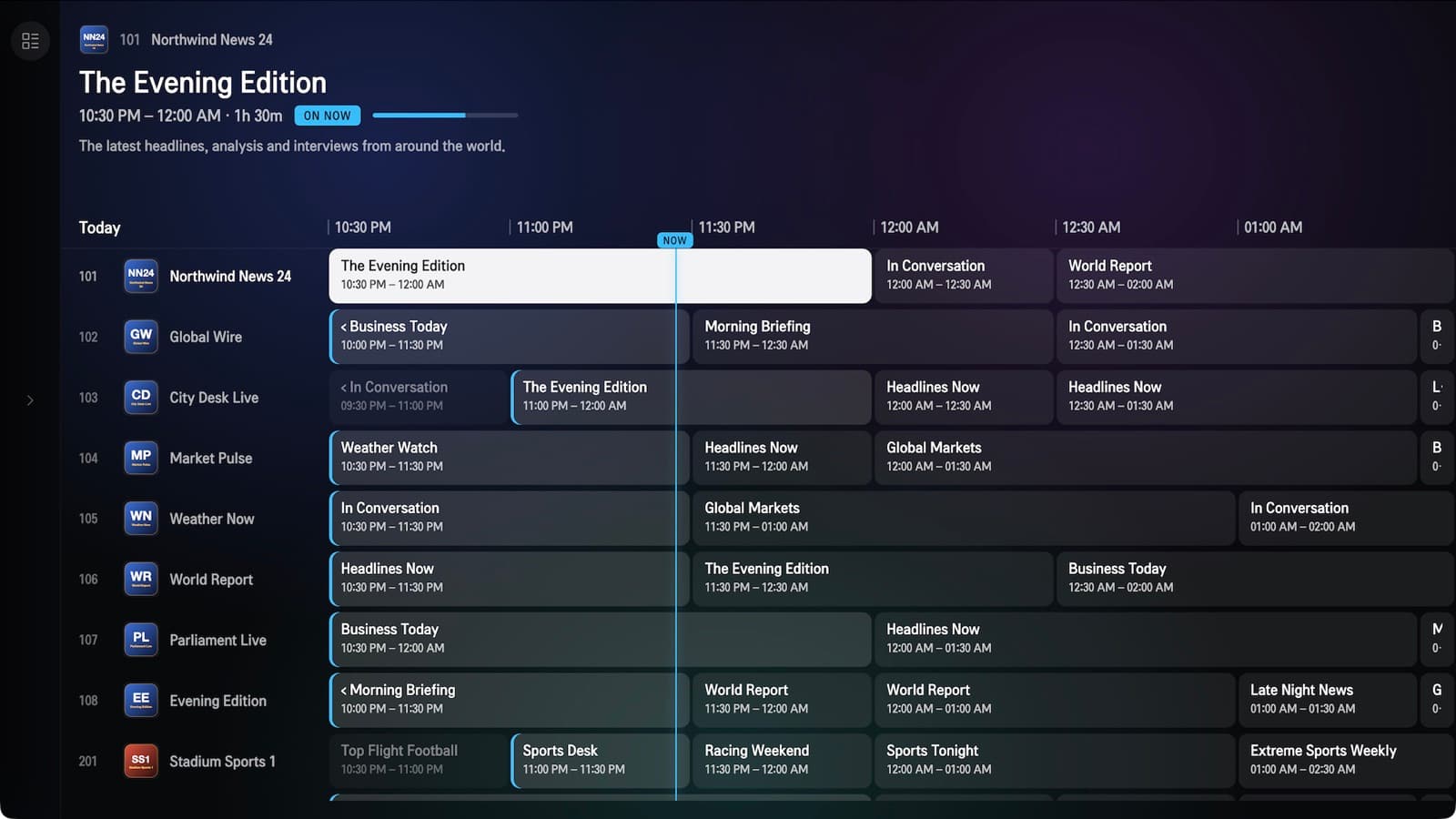
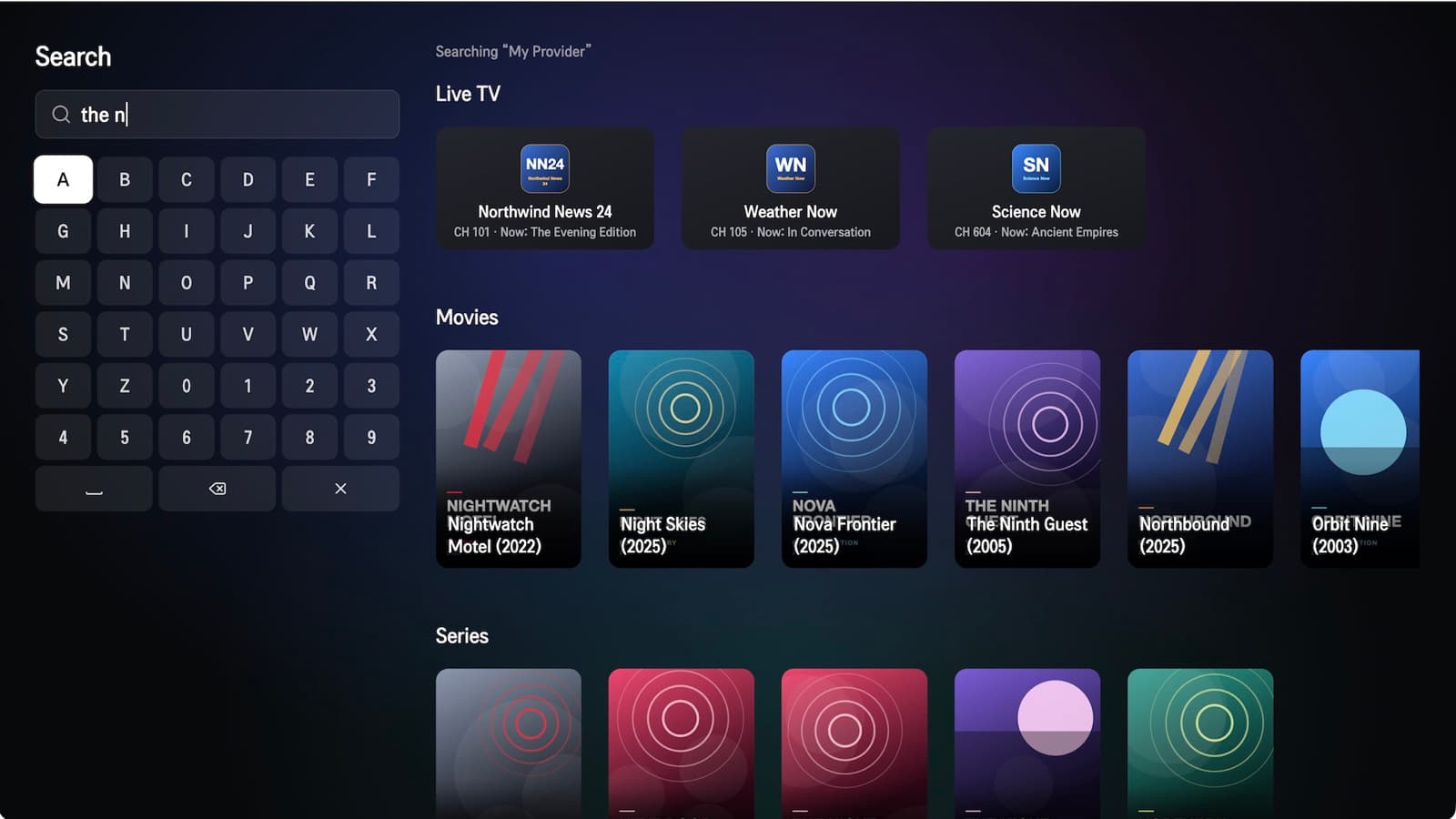
ZenPlay turns the playlist you already have into a proper TV experience: Live TV with a full programme guide and catch-up, a browsable library of movies and series, search across everything, and a list of what you were watching.
It is built natively for every screen it runs on. On iPhone and iPad it follows Liquid Glass, on Android it uses Material 3 Expressive, and on Fire TV, Android TV and LG webOS it is designed for the remote, so every screen works with the D-pad alone.
Channels grouped the way your provider sends them, an XMLTV guide days ahead, and catch-up where your provider offers it.
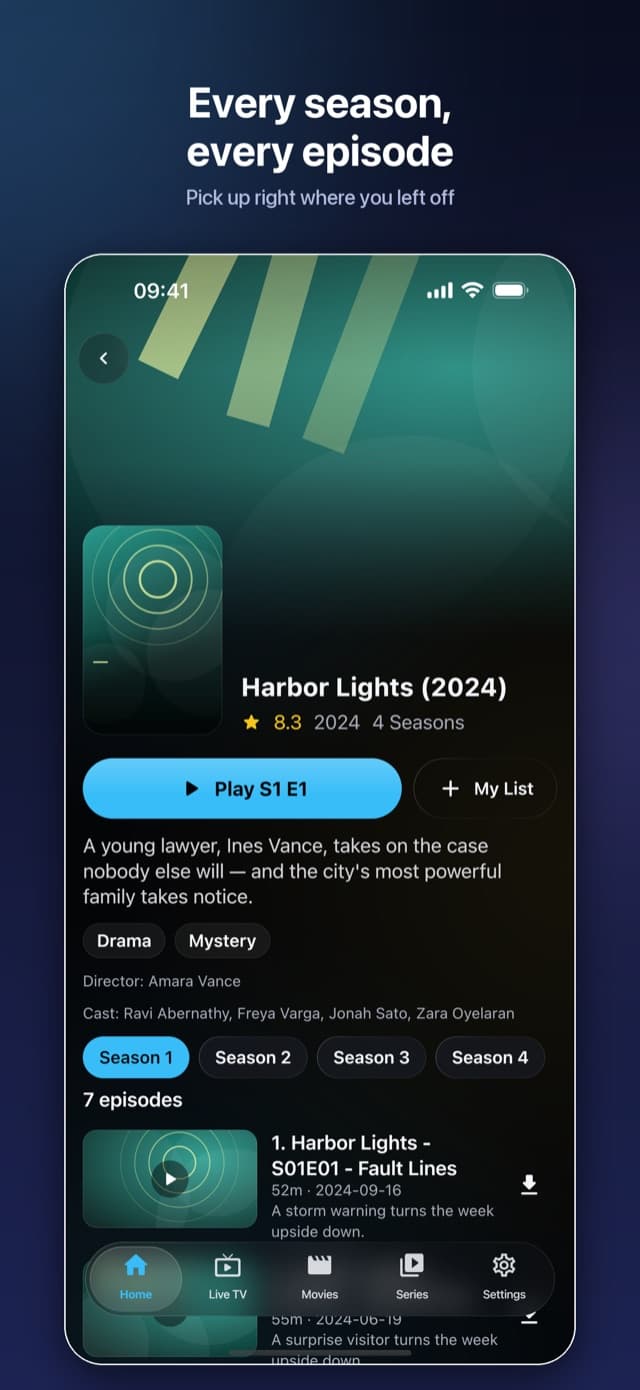
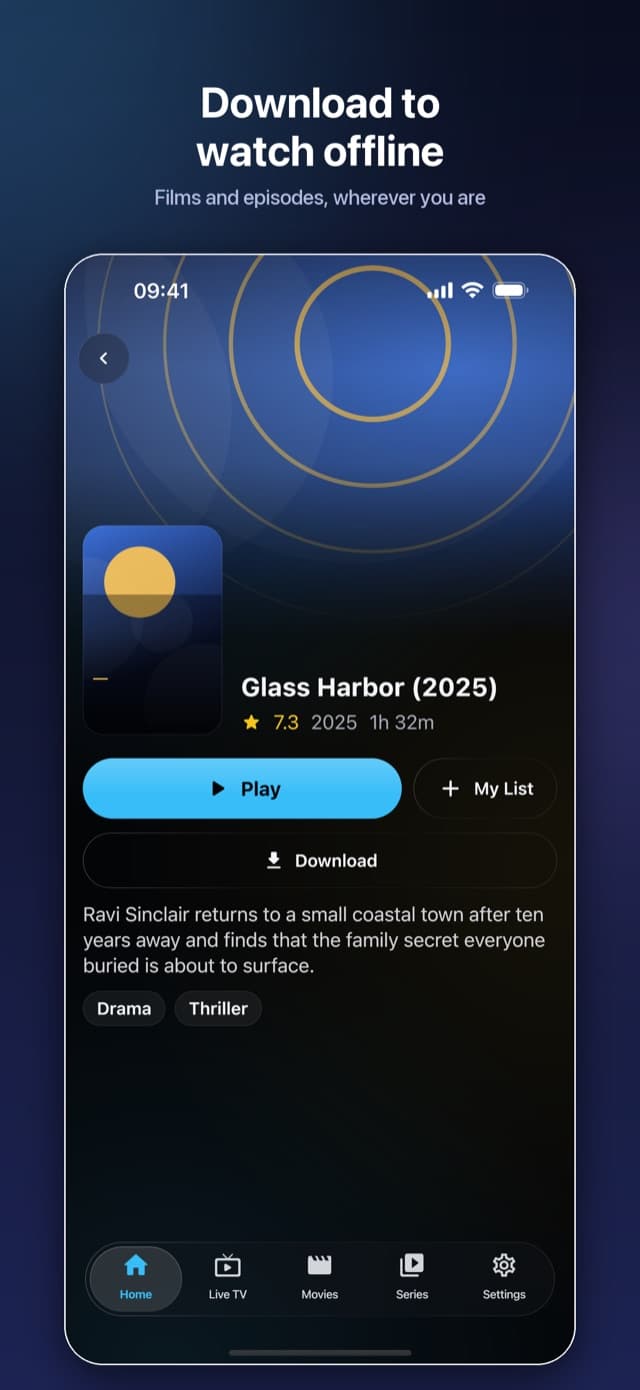
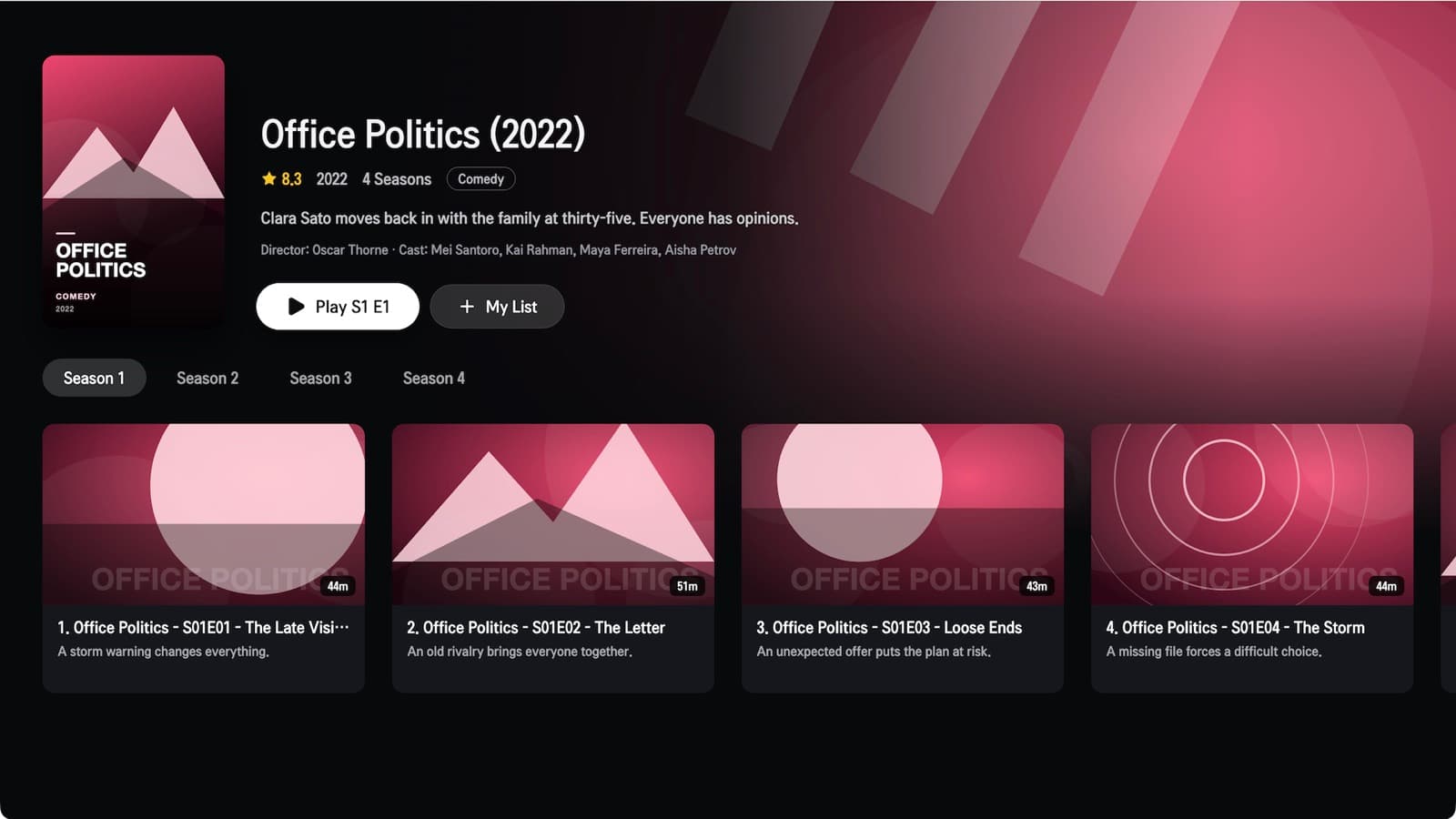
Posters, plots, cast and seasons laid out clearly. Pick up where you left off, or on iPhone and iPad, download them to watch offline.
One search across channels, films and shows, ranked so the thing you meant comes first.
Separate profiles with their own lists, plus Kids profiles with parental controls and a PIN to step out.
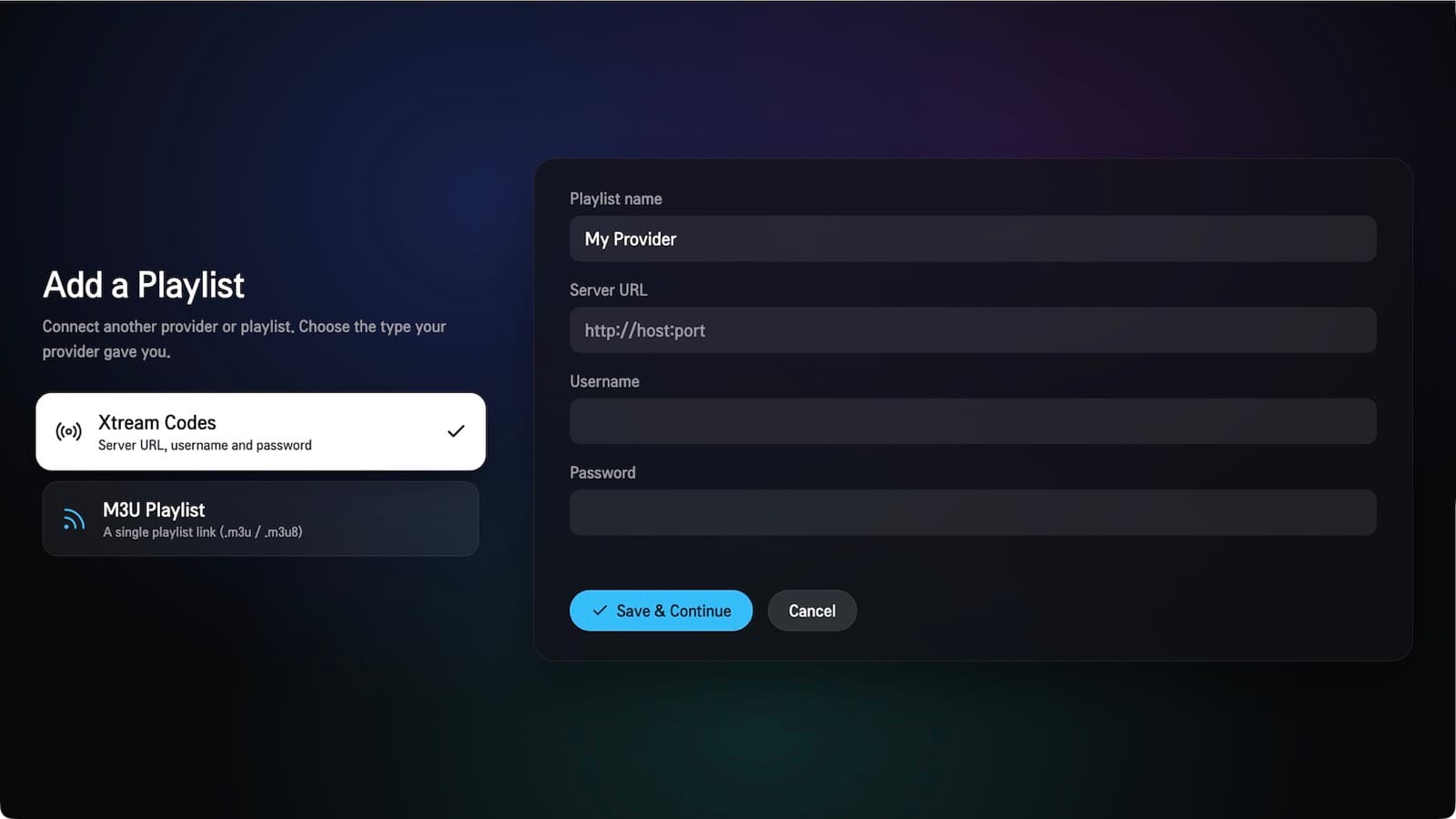
Add more than one Xtream Codes account or M3U URL and switch between them. Background sync keeps each one current.
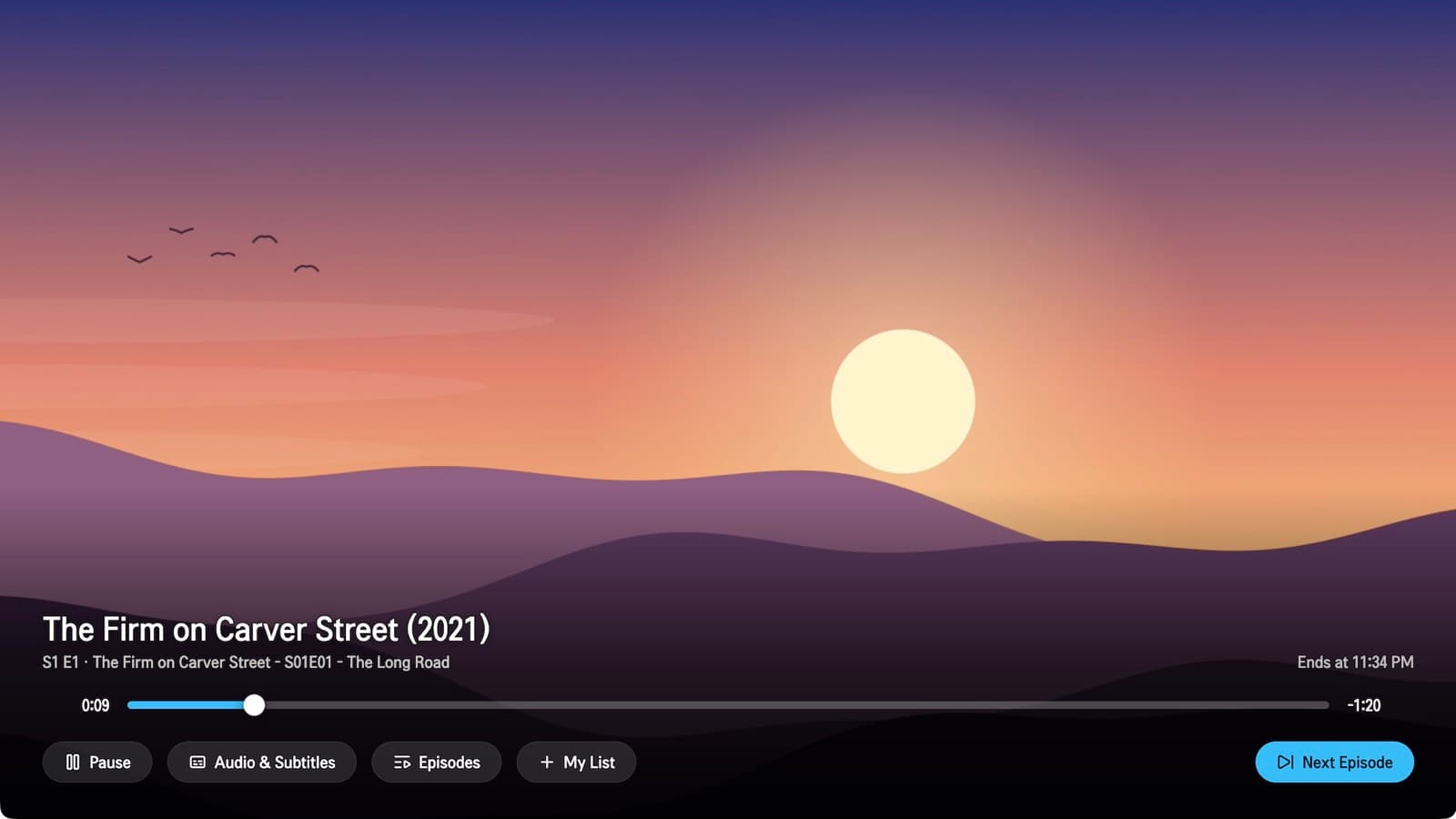
HLS, MPEG-TS, MP4 and MKV, with surround audio handled properly and Picture in Picture on supported devices.
Please note. ZenPlay does not provide any content. It ships with no channels, playlists, providers or credentials. Use your own Xtream Codes account or M3U playlist, and make sure you have the rights to the streams you load into it.